Utility AI Enemy Kit for Unity
A downloadable tool
OVERVIEW
Drop-in enemy AI that scores its options and picks the best one, instead of walking a fixed script.
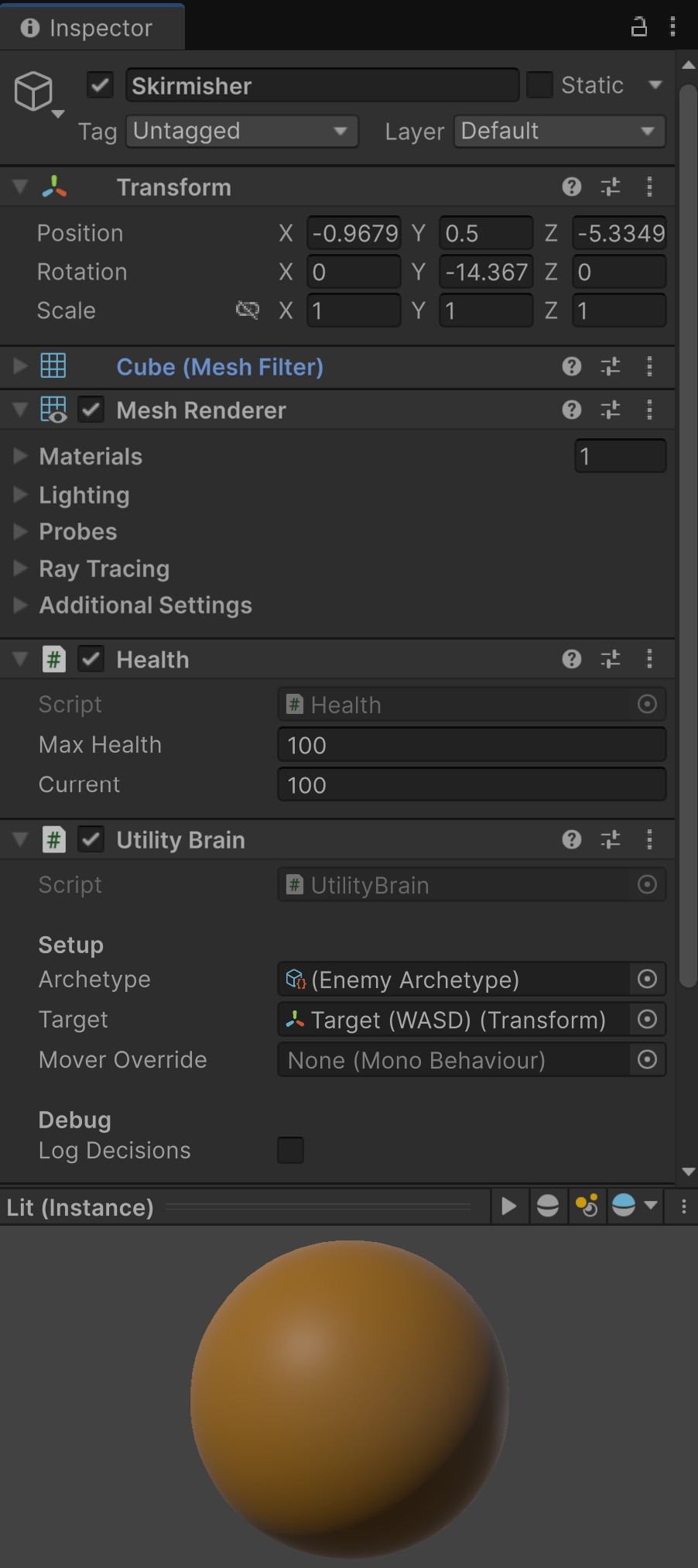
Add one component, assign an archetype, give it a target. That is the setup.
WHAT YOU GET
- Utility AI core: considerations, response curves, weighted actions
- Ten perception inputs — self health, target health, distance, line of sight, time since damaged, ally support, time target visible, time target stationary, distance from home, constant
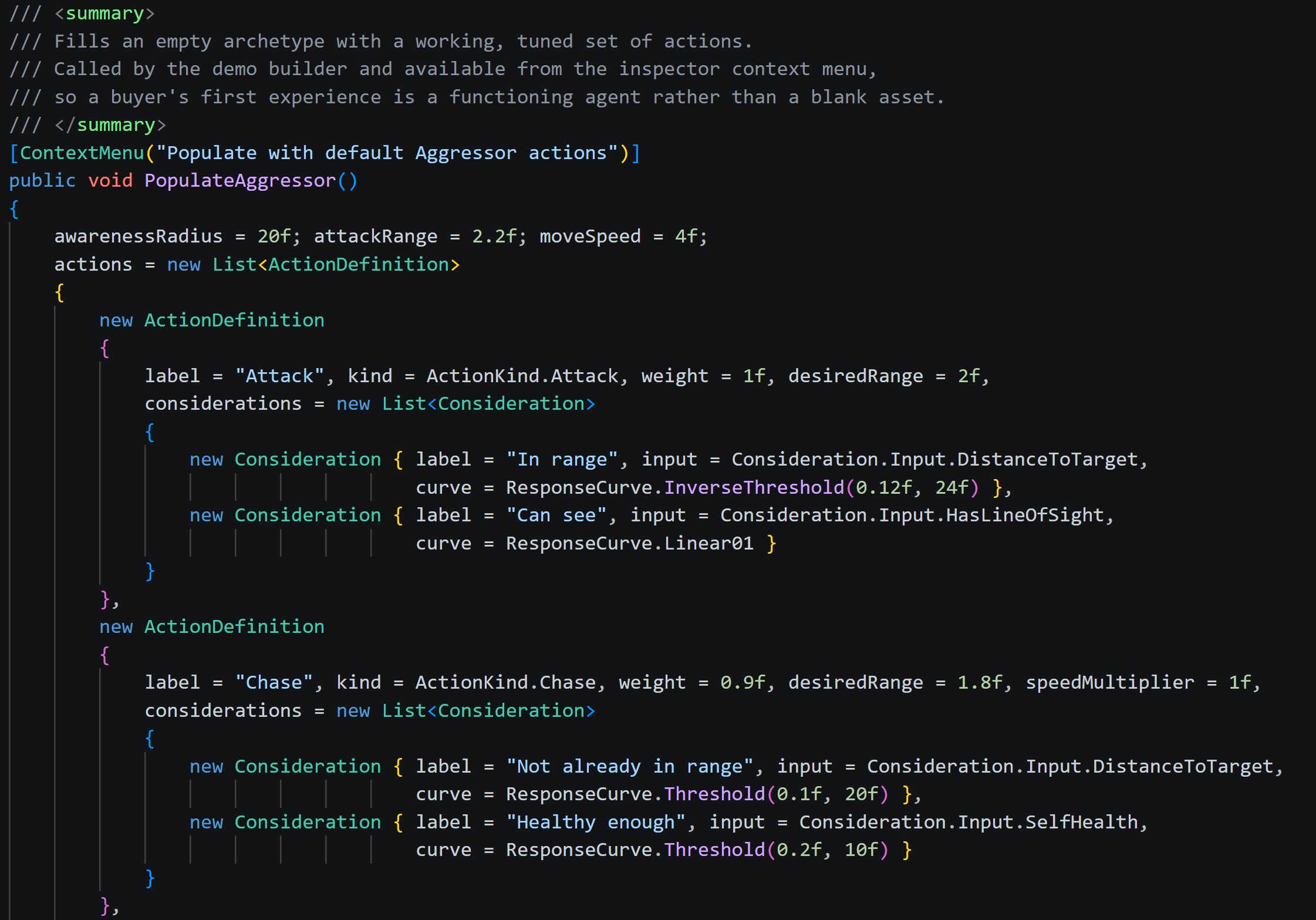
- Ten actions — Chase, Attack, Retreat, Strafe, Flank, Regroup, Hold, Patrol, Reposition, Return
- Four ready-made personalities: Aggressor, Skirmisher, Sentry, Coward
- Four response curve shapes: linear, polynomial, logistic, bell
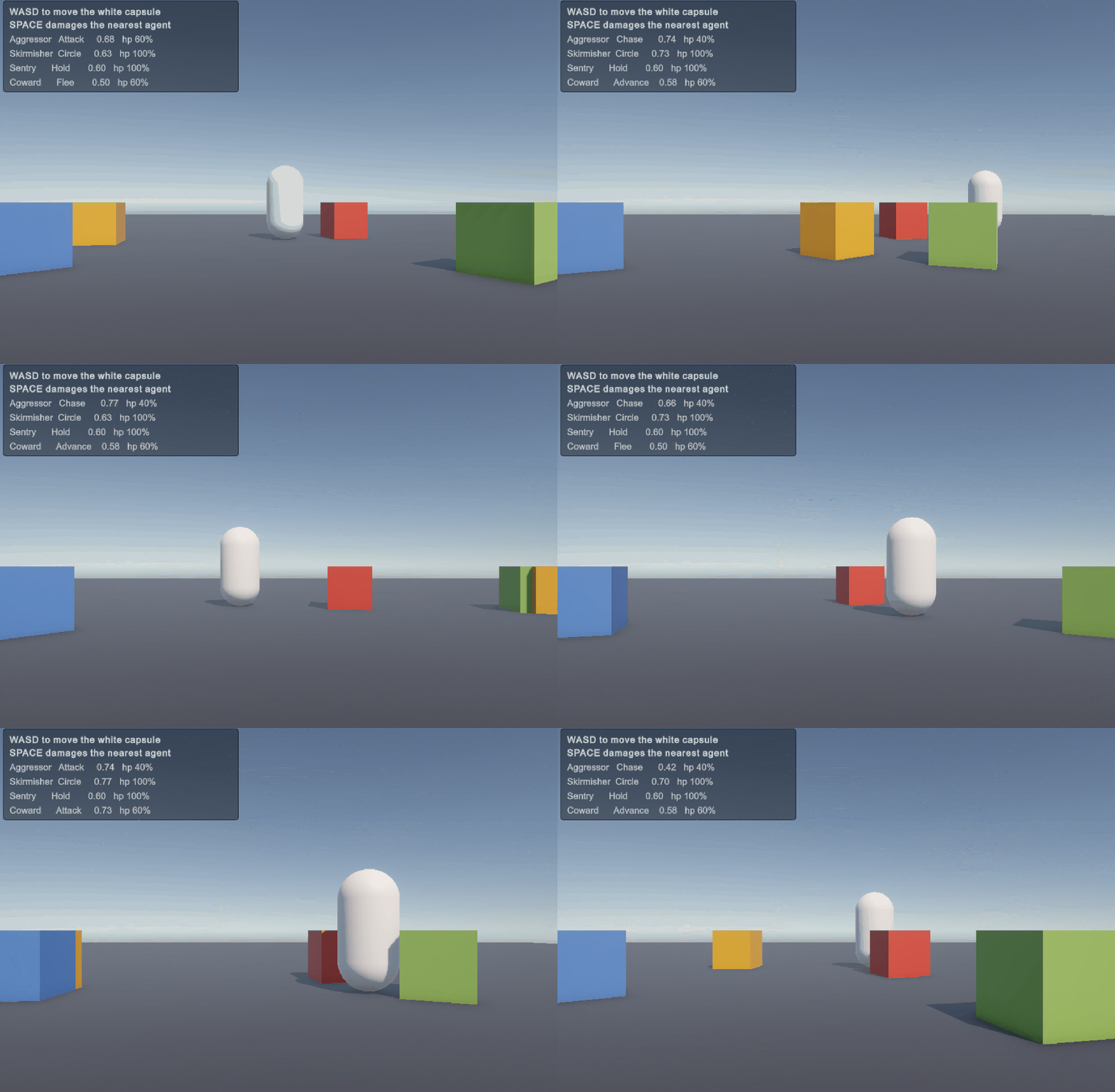
- A runtime demo that builds itself — no scene file to break
- Full source, commented, ~1,370 lines of C#
WHY UTILITY AI RATHER THAN A BEHAVIOUR TREE
A behaviour tree encodes what to do next. A utility system scores how good every option is right now and picks the winner. The difference shows up the third time someone asks for a new enemy type: with a tree you build and maintain another tree. Here you duplicate a ScriptableObject and change two curve shapes.
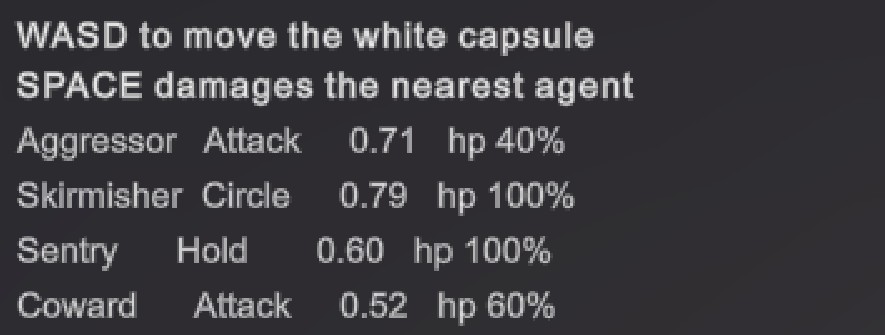
The demo makes that concrete — four visibly different personalities from one action set, with no per-enemy code.
FOUR THINGS THAT ARE NOT OBVIOUS
Most utility AI implementations fail the same four ways. Each is handled here, and each is one line you would otherwise spend a week finding.
- Compensation for multiplicative scoring. Multiplying considerations punishes an action for being well-reasoned — four at 0.8 each score 0.41, so a lazy action beats a careful one. Compensated here: 0.41 becomes 0.59. It reduces the bias rather than eliminating it, and the docs say so.
- Hysteresis on switching. A new action must beat the incumbent by a margin before it takes over. At zero margin two near-equal options make the agent twitch — that is the behaviour people mean when they say utility AI looks robotic.
- A minimum action duration. Separate from hysteresis, and both are needed. Stops an agent abandoning an attack mid-swing when something marginally better appears.
- Staggered, throttled evaluation. Agents evaluate every 0.2s with a random start offset. Without the offset everything spawned on one frame evaluates on the same frame forever, producing a periodic hitch that looks like a physics problem.
NO NAVMESH REQUIRED
Movement goes through a two-method IMover interface with a transform-based default, so the kit runs in an empty scene with nothing baked. To use NavMeshAgent, a CharacterController or your own steering, implement two methods and assign it.
REQUIREMENTS
Unity 2019.4 or newer. No packages, no NavMesh, no render pipeline dependency — the demo builds primitives and works on Built-in, URP and HDRP.
WHAT THIS IS NOT
It does not pick targets for you — target selection is game-specific and a kit that guesses is usually wrong. The default mover moves the transform directly, with no physics or pathfinding; it is there so the AI can be evaluated on day one, not as a production locomotion system. Both are documented.
Questions and bug reports through this page. Bugs get fixed.
AI DISCLOSURE
This kit was written with the help of AI tools, including the C# source itself. The architecture, the four failure modes documented above, and the numerical verification of the curve math are the result of that process, not a human rewrite of AI output. itch's Generative AI field for this page is set to disclose. Rated and reviewed on the code and behaviour, same as any other listing on this shelf.
Purchase
In order to download this tool you must purchase it at or above the minimum price of $15 USD. You will get access to the following files:
Leave a comment
Log in with itch.io to leave a comment.